Outline
Design Level Settings

Design Level Settings give you more control without getting in your way. Set rules for panel placement, inverter selection, and fire setbacks right at the project level, and add variable system losses to better reflect real-world conditions. Defaults handle most designs automatically, so you can move fast out of the gate. When a project needs extra precision, overrides are there when you need them. This keeps designs flexible without sacrificing consistency. The result is faster designs that still meet technical, financial, and compliance standards.
Software Settings
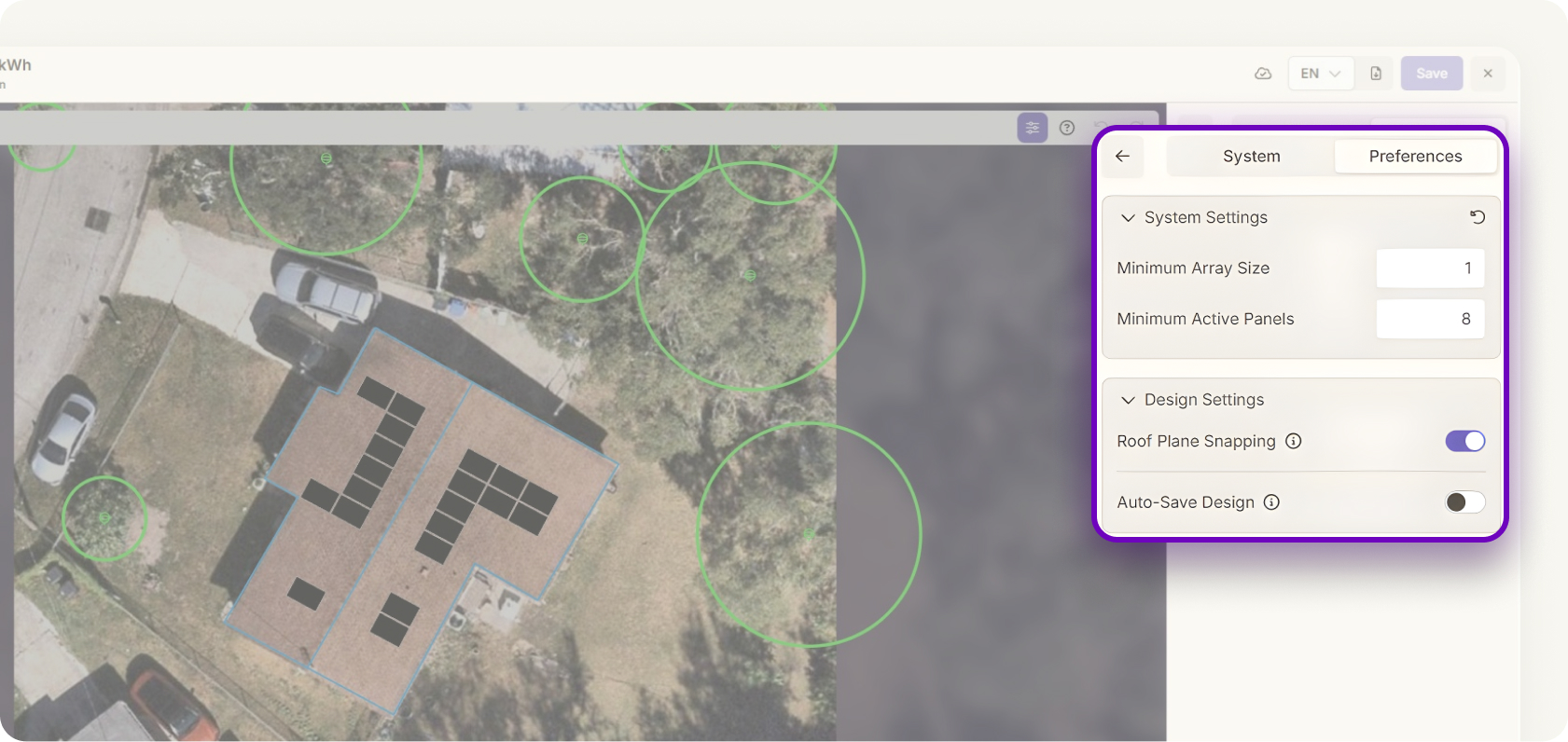
Software Settings help your team start every project on the right foot. Configure global preferences like roof snapping, auto-design, and other workflow options once, and let them carry across all projects. This keeps designers aligned and cuts down on repetitive setup. Updates apply instantly, so changes take effect right away. Less time configuring, more time designing. Best practices become the default, making it easier to scale speed and accuracy together.


